
Why your calendar should adapt when a meeting runs over
I’ve watched the same thing happen hundreds of times. A 9 AM standup was supposed to end at 9:15. By 9:35 it’s still going. You leave the call a little frazzled, open your calendar, and see a solid green block labeled “Deep Work” that was supposed to start at 9:15. It still says 9:15 to 11:15. The block is now fiction.
That’s the core problem with a static calendar. It doesn’t know the meeting ran over. It doesn’t adapt. It just sits there, quietly optimistic, while reality has already moved on.
The assumption baked into every calendar app
Every calendar tool I’ve used (Google Calendar, Fantastical, Notion Calendar) is built on the same foundation: events start when they’re supposed to start and end when they’re supposed to end. The calendar is a plan. A prediction, really. And when you follow the plan, everything is fine.
But meetings don’t work that way. A conversation that hits something important doesn’t stop because the timer ran out. A client call with a difficult question runs long. Your 1-on-1 becomes a real conversation for once.
The calendar doesn’t notice. It just ticks forward. The 9:15 deep-work block is still labeled 9:15 even though it’s now 9:40. There’s no warning, no suggestion. The plan has already broken and nobody told the plan.
How one overrun unravels the day
That 20-minute overrun doesn’t stay contained. It ripples.
Say your morning looked like this: standup until 9:15, deep work 9:15 to 11:15, break 11:15 to 11:30, a review meeting at 11:30. You lose 20 minutes at the start. So now your deep work window is actually 9:40 to 11:15. That’s 95 minutes instead of 120. You sit down, open the thing you were working on, and spend 10 minutes getting back into context. You’re now at 9:50. The 11:30 meeting isn’t moving.
You have an hour of real focus time on a task that needs two. So you rush. Or you push through past 11:30 and arrive at the review meeting distracted and late. Or you close the file and tell yourself you’ll come back after the meeting, and you know how that usually goes.
It’s a quiet cascade: a focus block that shrinks by half, a task that gets a poor version of your attention, the mental tax of constantly recalculating a schedule that’s already off.
Adaptation vs. shatter
The question isn’t whether overruns will happen. They will. The question is what the system does when they do.
A static calendar shatters. It holds its shape while reality departs from it, and leaves you to manually patch the difference: moving blocks around, deciding what to skip, negotiating with your own plan in your head while trying to think about actual work.
An adaptive calendar would detect that the meeting ran long and ask: given that we’ve lost 20 minutes, what’s the best version of the rest of the day? Not “what’s the next open slot” because that’s just Tetris. Something more considered: what work is highest priority, what’s your energy likely to be at this point, and where does the deep work fit now?
“Next open slot” might land a creative writing task at 3 PM when you’re running on fumes. Adaptive rescheduling would push the shallow task there and move the focus work to a window where you can actually do it.
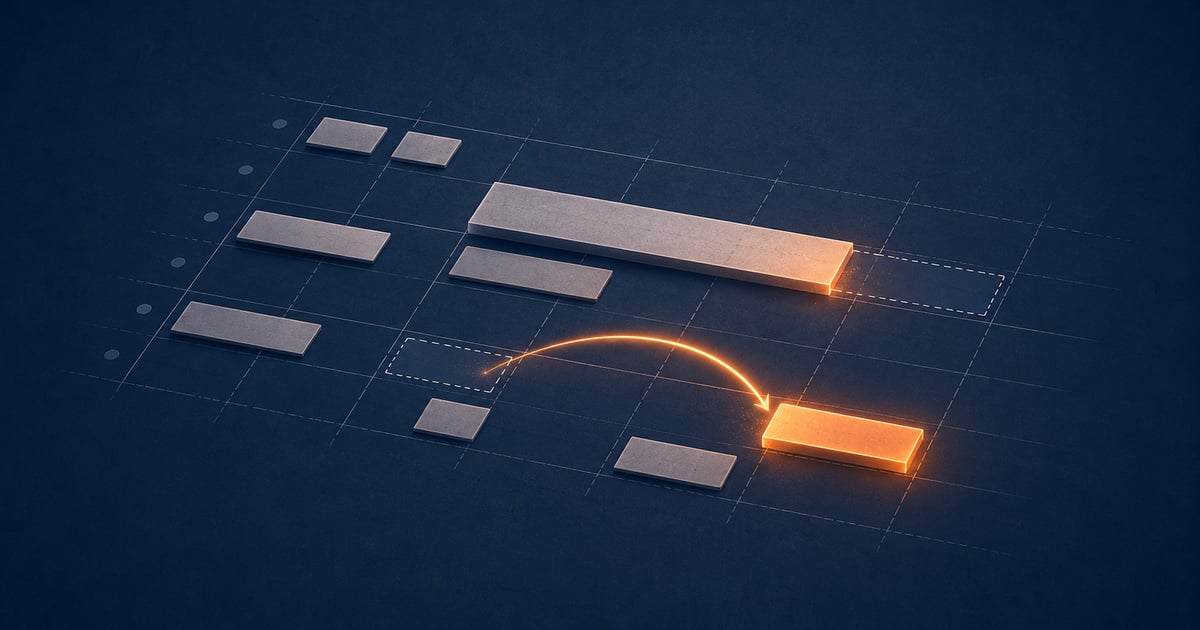
The static calendar is a photograph of an intention. What you actually need is something closer to a navigator, one that recalculates when the road changes and shows you the updated route rather than a map of the road you were supposed to take.
Priority and energy, not just time
Here’s where most “smart scheduling” tools miss the point. They treat rescheduling as a time problem. They look for blocks of time and slot things in. But the real constraint isn’t time alone. It’s energy.
A two-hour window at 10 AM and a two-hour window at 4 PM are not the same. Most people have clearer thinking and more sustained focus in the morning. Deep, hard work (the kind that requires holding complex ideas in mind) belongs in those windows. Administrative work and email can tolerate afternoon attention.
When a meeting overrun forces a reschedule, the system needs to understand this. It shouldn’t just find the next two-hour gap and slot the work there. It should know that if the morning focus block is compromised, the remaining morning time is more valuable than the same duration later, and it should try to preserve it. If that’s not possible, it should flag that the work is now in a lower-energy window, not pretend nothing has changed.
Priority matters too. Not everything carries equal weight. If the overrun eats into time reserved for high-priority work, that’s a signal worth surfacing, not something to silently absorb into a day that looks fine on paper but will produce worse results.
What Flow does with an overrun
This is exactly what I’ve been building in Flow. When your calendar is connected and a meeting runs over its scheduled end time, Flow detects the shift. It doesn’t wait for you to manually drag and drop blocks around. It reflows your remaining plan around your current energy and the priorities you’ve set.
If your focus block gets compressed, Flow identifies what’s highest priority and tries to preserve the best window for it. If the whole morning is gone, it doesn’t just pile everything into the afternoon. It tells you what’s moved, what might need to wait, and where you have real capacity left today.
I wrote more about the underlying approach to calendar blocking in this earlier post about staying focused through a chaotic day. Short version: a calendar that doesn’t respond to how your day actually unfolds is more hindrance than help. It creates the illusion of a plan while the real situation drifts away from it.
If this resonates with how your days go (meetings that bleed into focus time, afternoons where you’re playing catch-up on work that needed morning attention), Flow is in early beta. You can join the list at the link below and I’ll let you know when access opens.
The goal is a tool that actually reflects your day, not just the version of it you hoped for at 8 AM.
Join the conversation